> For the complete documentation index, see [llms.txt](https://docs.testfiesta.com/llms.txt). Markdown versions of documentation pages are available by appending `.md` to page URLs; this page is available as [Markdown](https://docs.testfiesta.com/account-settings/personal-workspace/notifications.md).
# Notifications
You can adjust your Notifications to keep yourself appraised of TestFiesta news and updates, as well as any changes in your Test Cases or Defects.
## System Notifications
#### Test cases
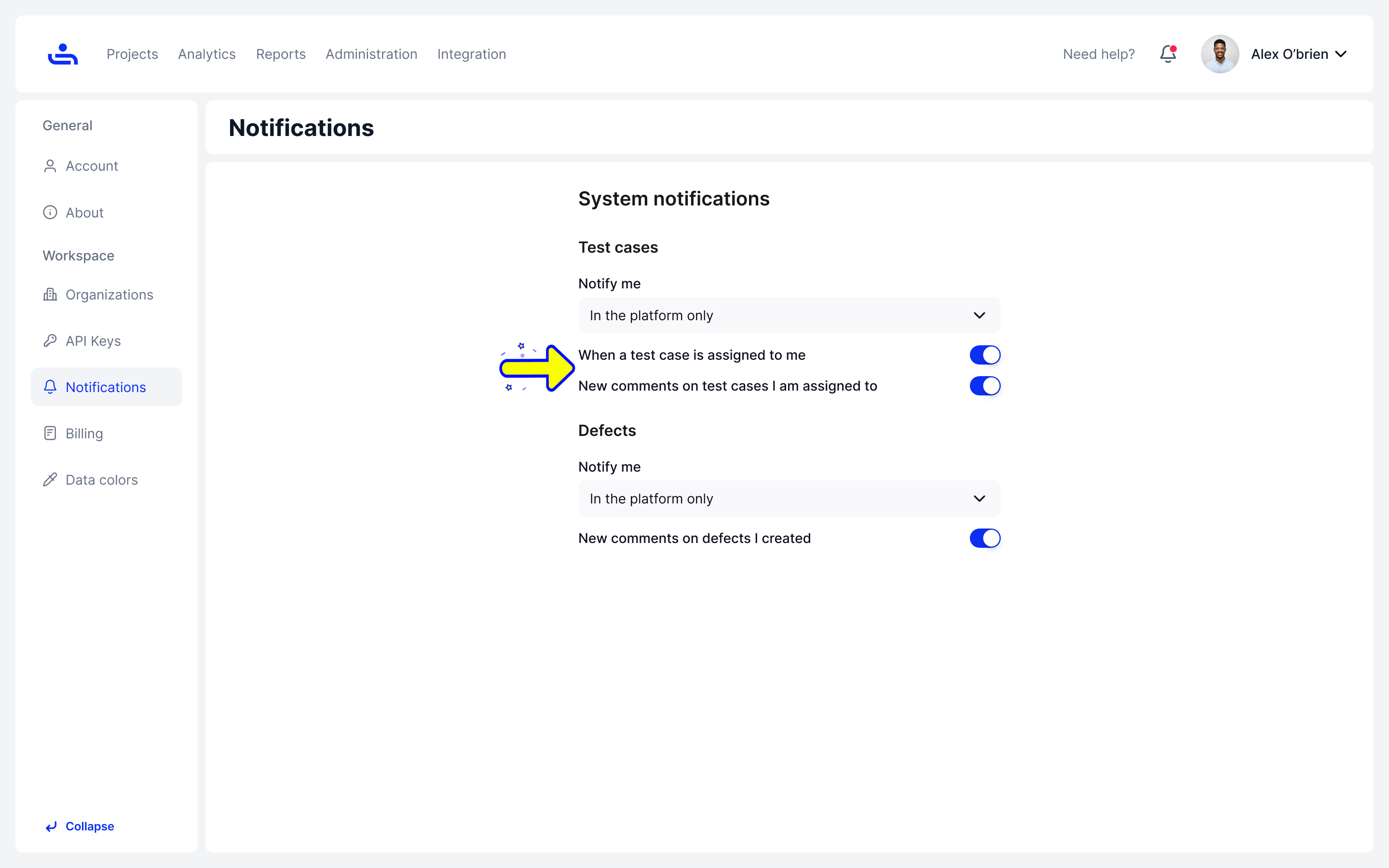
You can receive notifications when a Test Case is assigned to you or when a new comment is made on a Test case you are already assigned to.
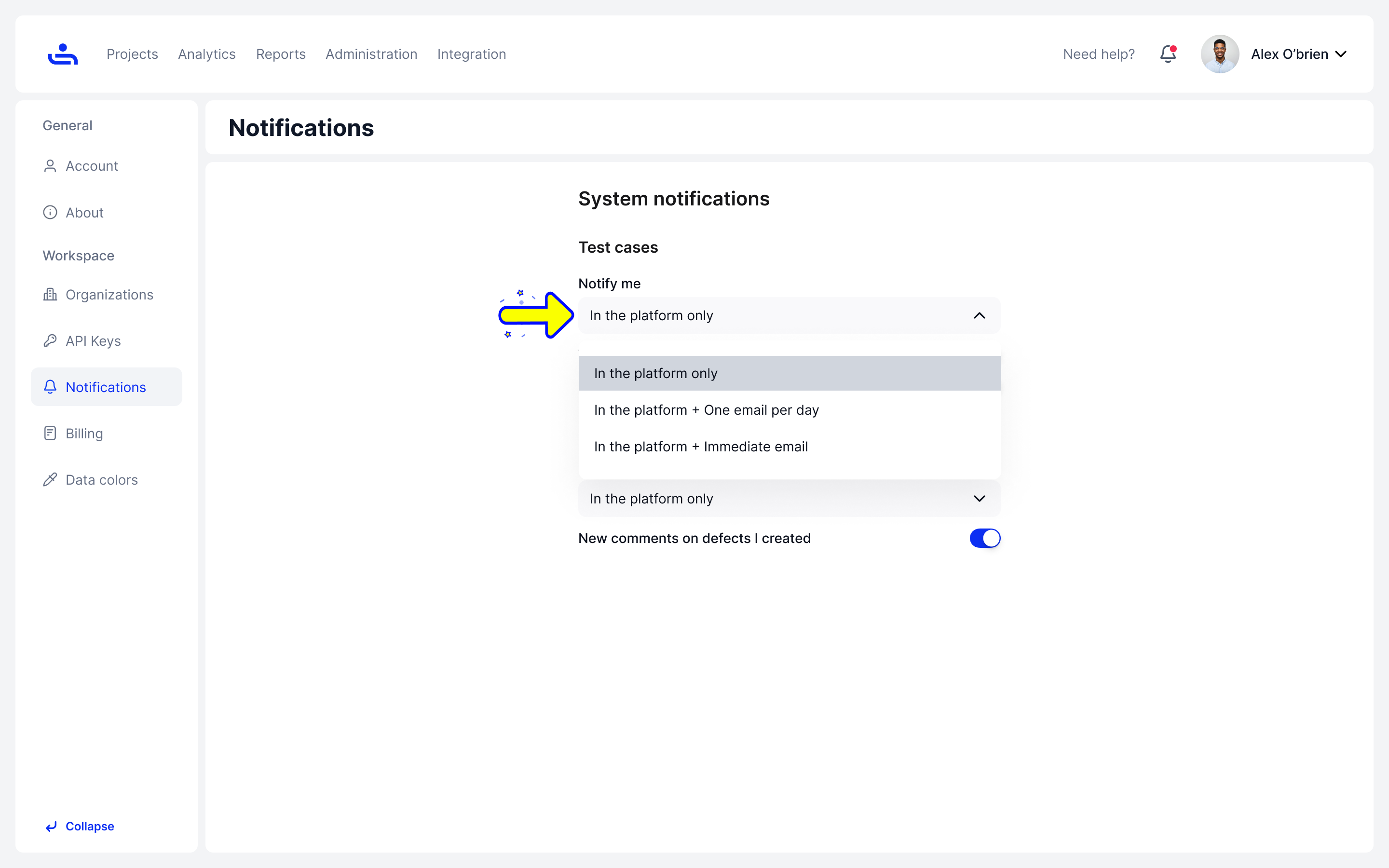
You can also set the method and frequency of Test Case notifications. You can receive notifications on TestFiesta only, or choose between an email once per day or an immediate email for every notification.
#### Defects
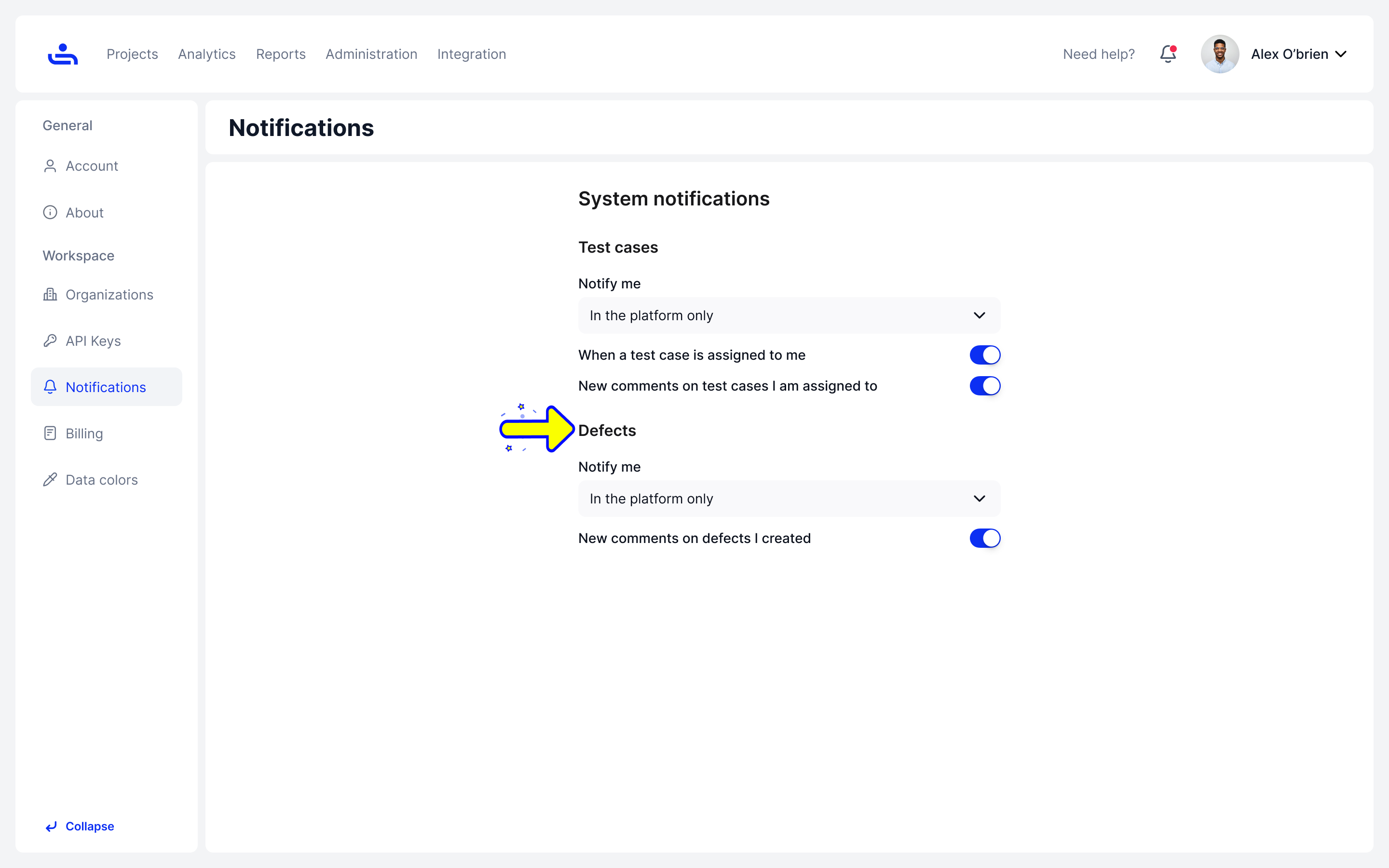
You can choose to receive emails for new comments on Defects you created and just like with Test Case Notifications, you can choose the frequency and method.
You now know how to adjust your Notifications. The next page will explain Billing. Click "Next"