Project Summary
The Project Summary Report gives you a more focused look at a single Project. You have various charts of information from which to get information from.
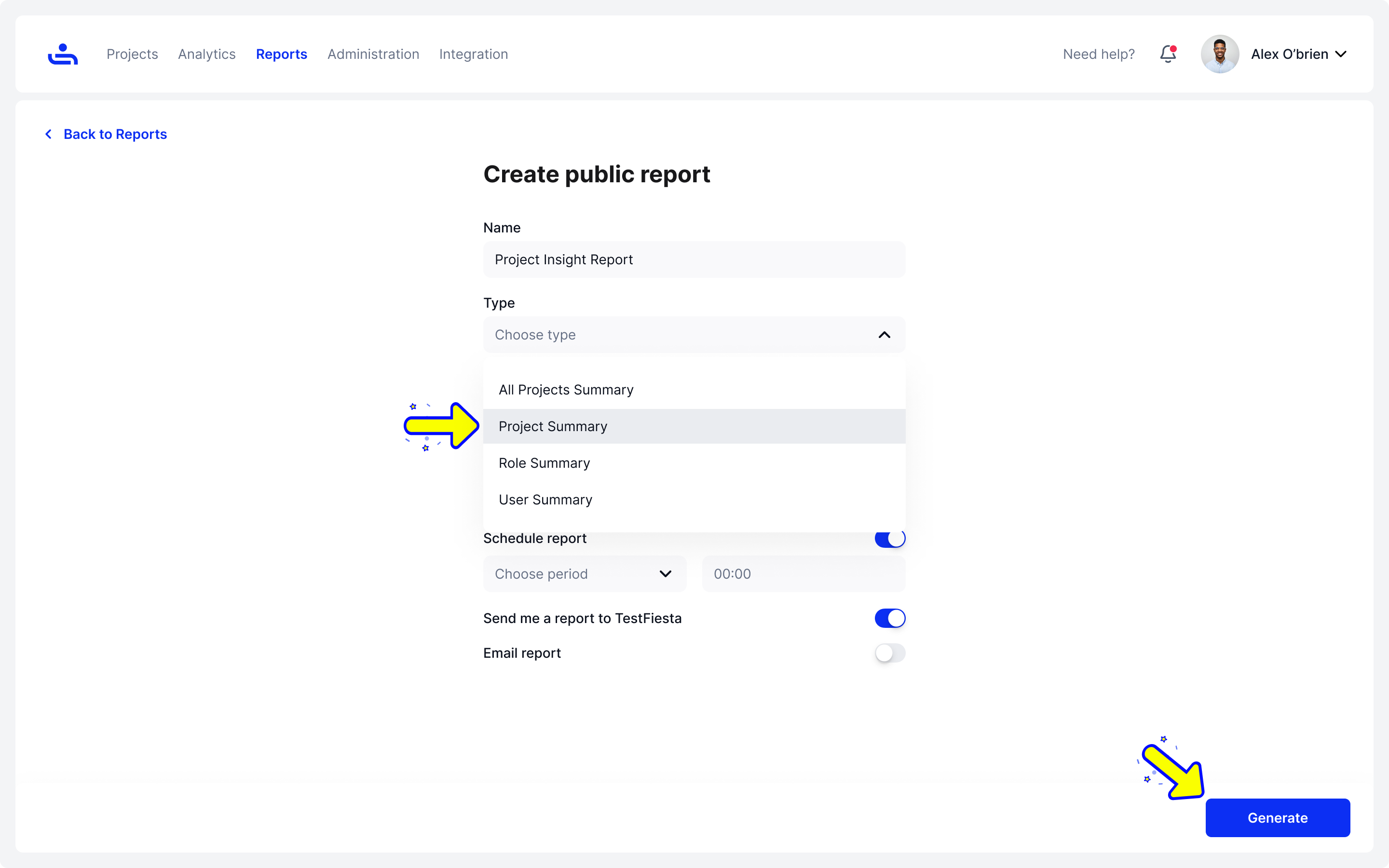
Creating a Project Summary Report


Last updated
The Project Summary Report gives you a more focused look at a single Project. You have various charts of information from which to get information from.
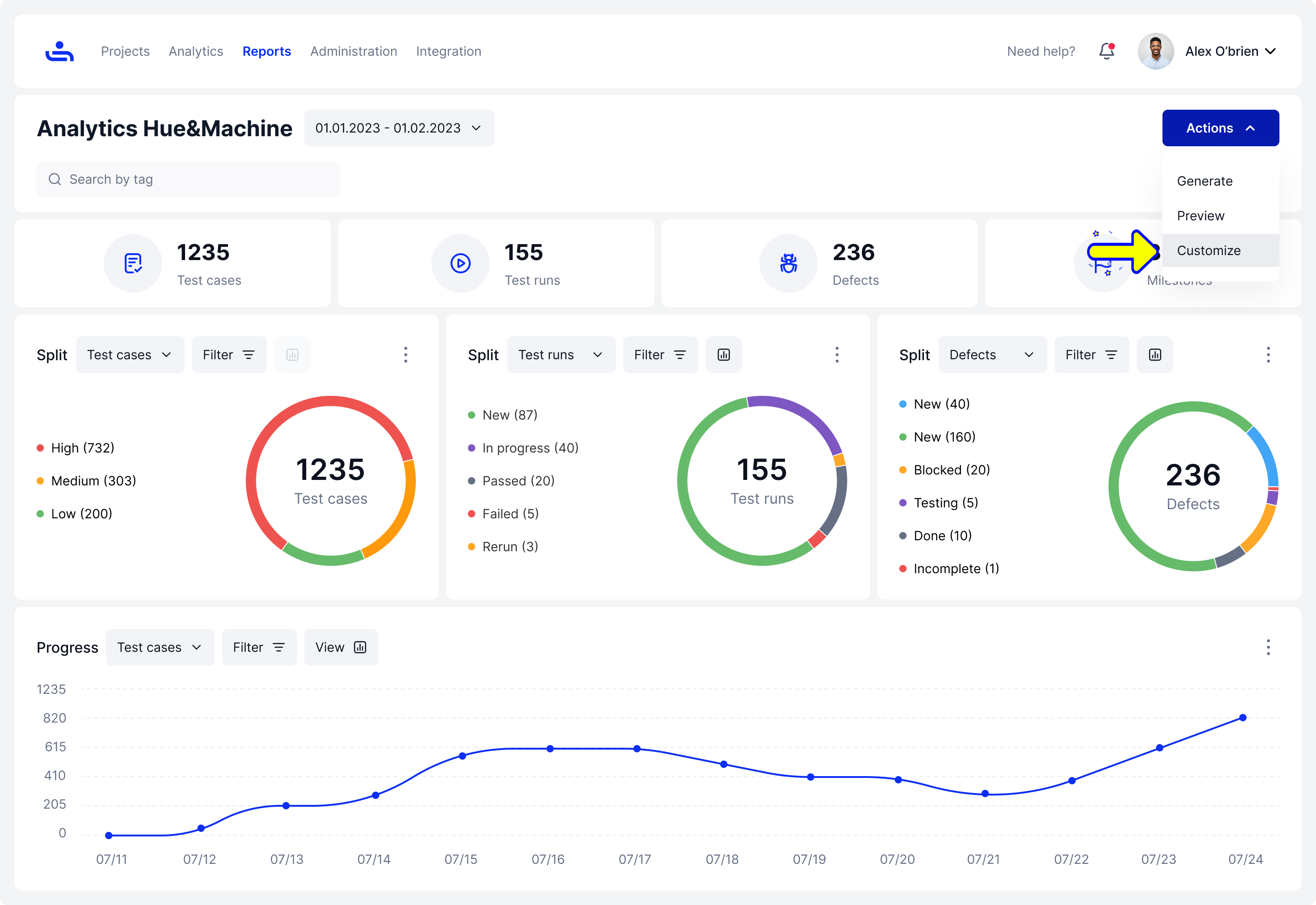
Select "All Projects Summary" in the drop-down menu for type on the Reports page. Then fill in the rest of the field with the appropriate information and click the "Generate" button on the bottom right of the page. You will then be taken to the Analytics page.

On the Analytics page, You can do the following from the "Actions" button menu on the top right:
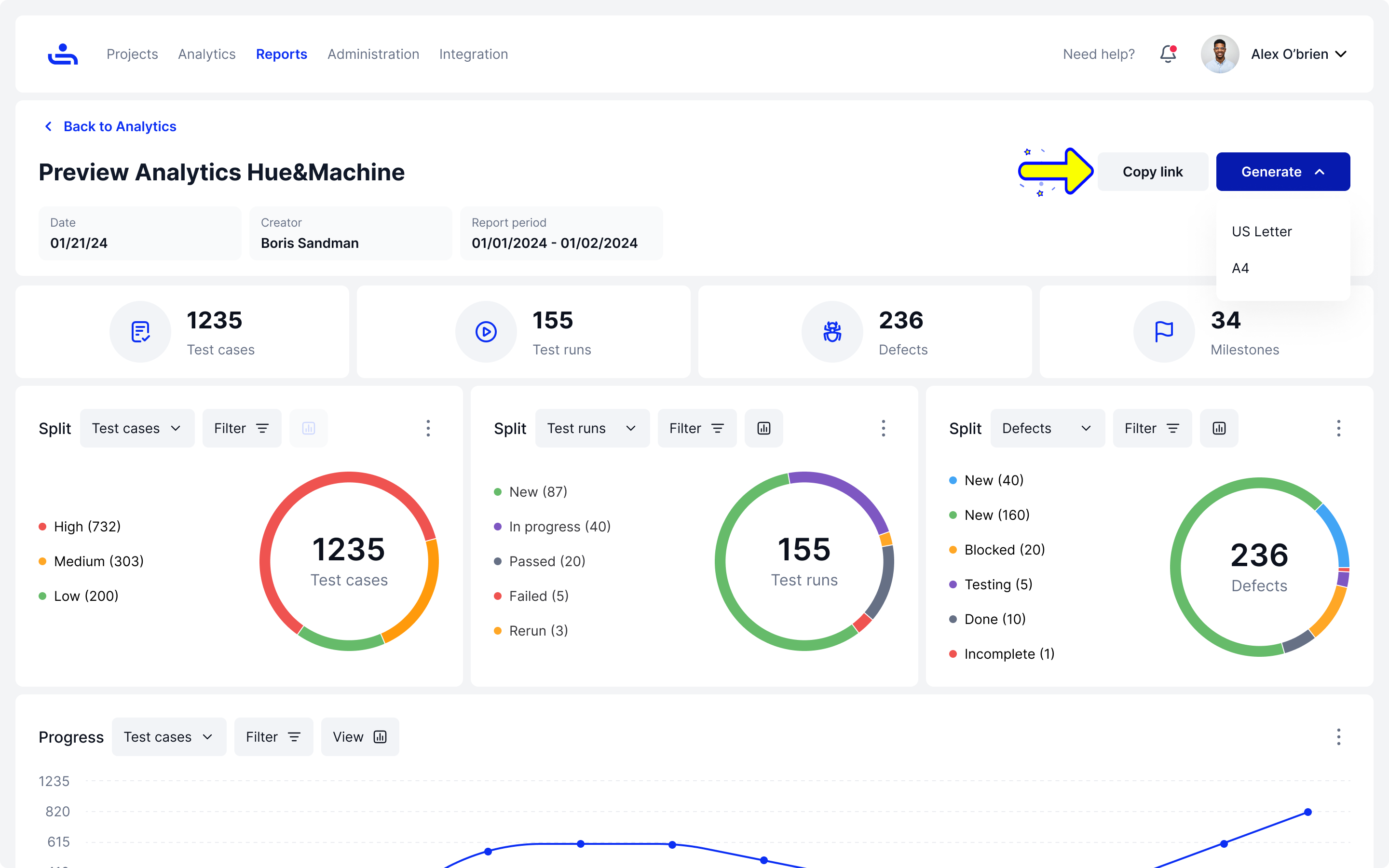
Generate the Report
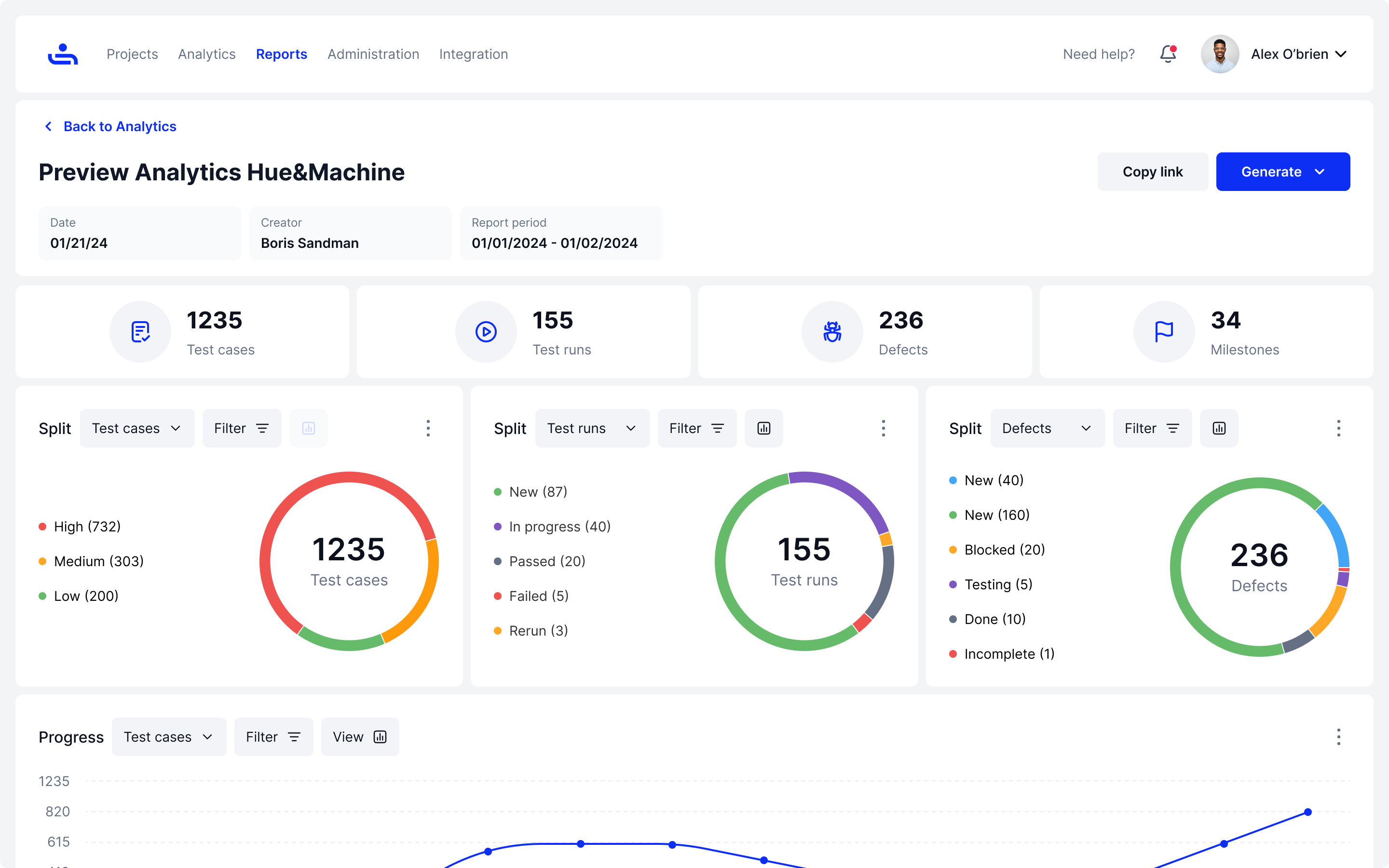
Preview the Report
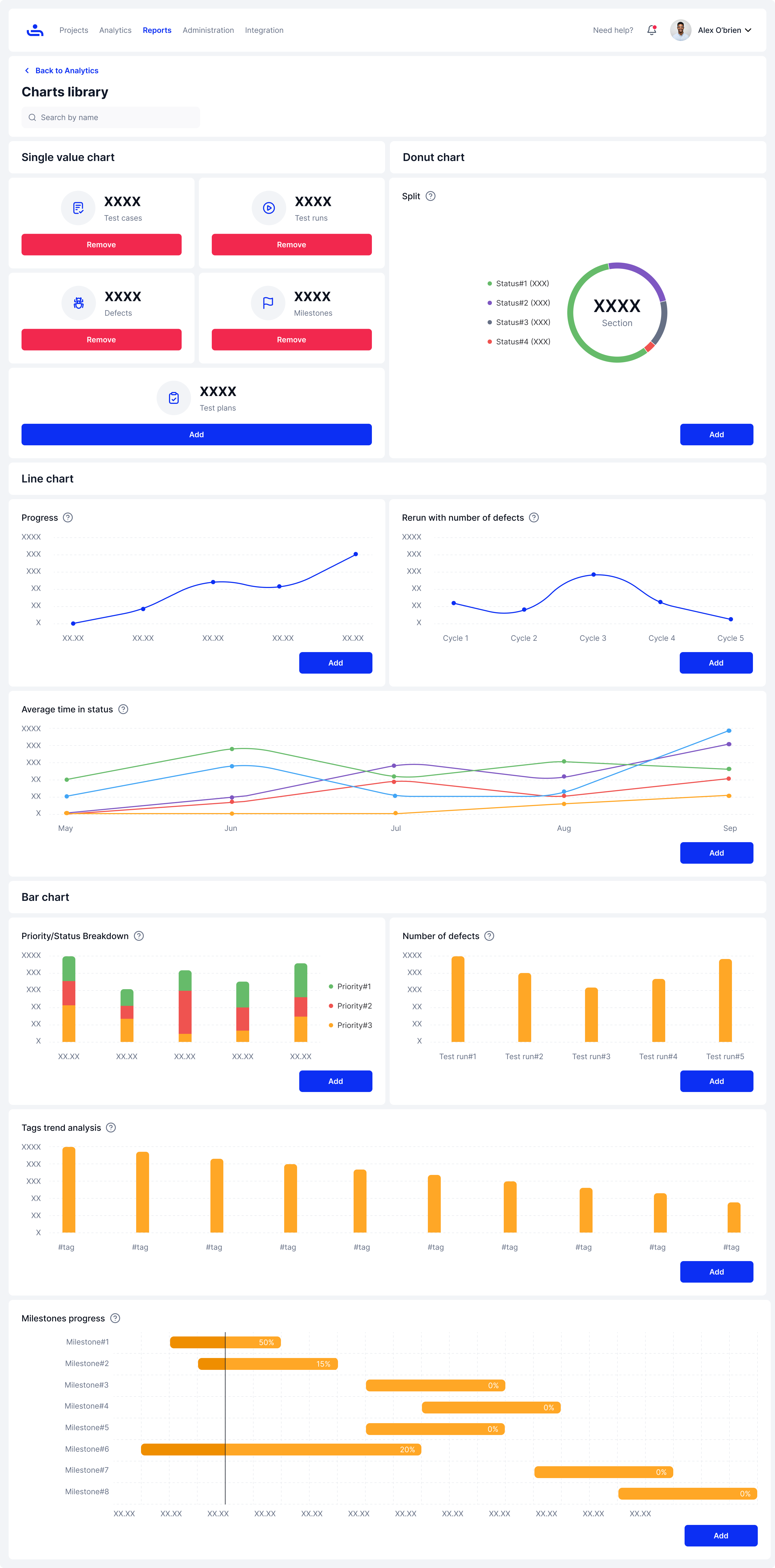
Customize the Report

Allows you to enter the charts library to add charts and information based on what you need to display on the Report.

You can preview the Report information, & also have a view of any customized additions to the Report that you have added.

Click on the generate button to generate the Report, you can format it in US Letter or A4 PDF formats. You can also click "Copy Link" to copy the Report link to send to other users.

Now that we can analyze reports on their own, let's get into the weeds and discuss Role Summary Reports. Click "Next" to continue.
Last updated