> For the complete documentation index, see [llms.txt](https://docs.testfiesta.com/llms.txt). Markdown versions of documentation pages are available by appending `.md` to page URLs; this page is available as [Markdown](https://docs.testfiesta.com/projects-tab/project-dashboard/dashboard-components/charts/donut-charts.md).

# Donut Charts

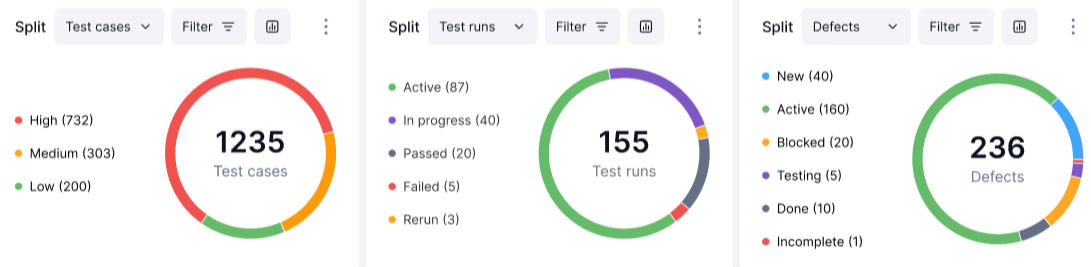
Donut charts offer options to switch between Test Cases, Test Runs, and Defects giving you a visual view of statuses and priorities to analyze.

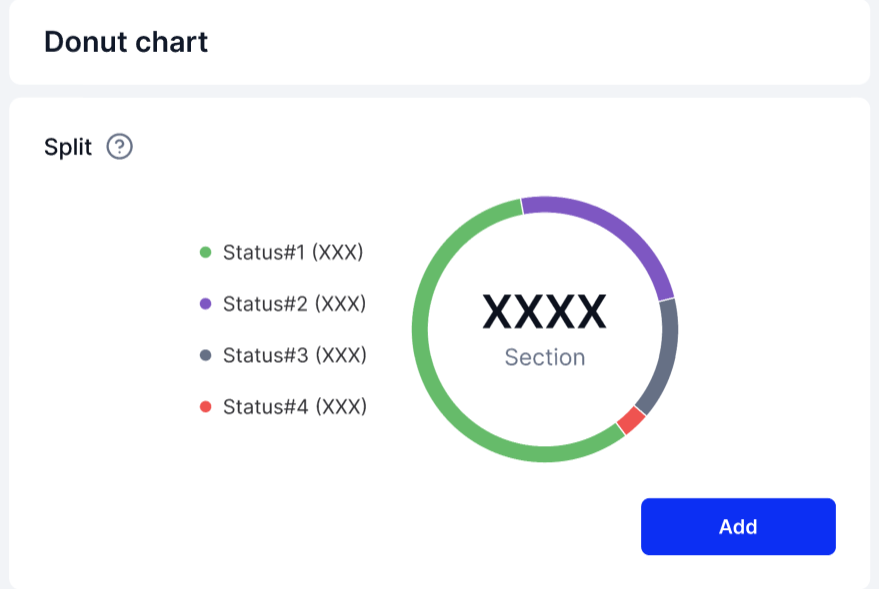
<figure><img src="https://1326643208-files.gitbook.io/~/files/v0/b/gitbook-x-prod.appspot.com/o/spaces%2FnpMhTPhBTwVaw7bZVBjY%2Fuploads%2Fgit-blob-9f6f45cd8760bcfe9c9f277818e46c67eaef8b96%2FDonut%20Chart_01.PNG?alt=media" alt=""><figcaption><p>A blank Donut chart.</p></figcaption></figure>

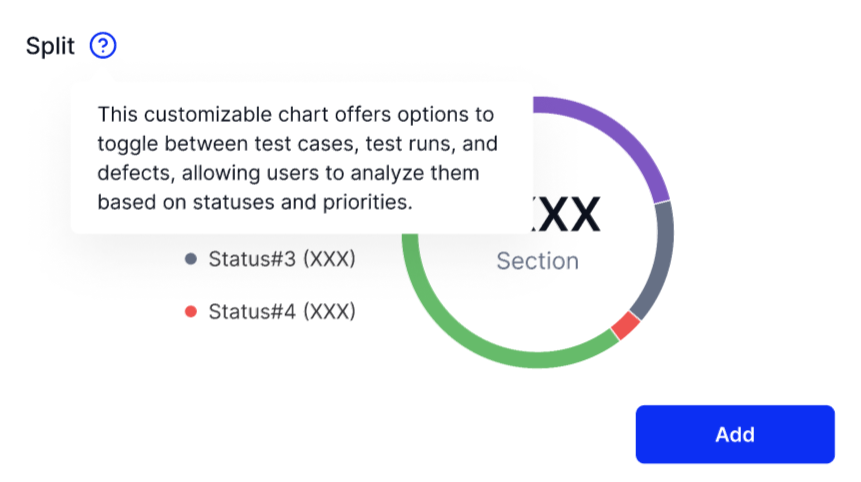
<figure><img src="https://1326643208-files.gitbook.io/~/files/v0/b/gitbook-x-prod.appspot.com/o/spaces%2FnpMhTPhBTwVaw7bZVBjY%2Fuploads%2Fgit-blob-20df3497ff090696e461863d42067517c6587e72%2FDonut%20Chart%20Description%20_02.PNG?alt=media" alt=""><figcaption><p>Explanation of how a Donut chart can be used.</p></figcaption></figure>

<figure><img src="https://1326643208-files.gitbook.io/~/files/v0/b/gitbook-x-prod.appspot.com/o/spaces%2FnpMhTPhBTwVaw7bZVBjY%2Fuploads%2Fgit-blob-04053365be6d86af5ab45184259ace75c287bdd9%2FDonut%20Chart_03.PNG?alt=media" alt=""><figcaption><p>An example Donut chart from a Project with various filters applied to show different data.</p></figcaption></figure>

Donut Charts have many settings and filters to help display the exact data you need. The next page will show you how to make changes. Click "Next"