> For the complete documentation index, see [llms.txt](https://docs.testfiesta.com/llms.txt). Markdown versions of documentation pages are available by appending `.md` to page URLs; this page is available as [Markdown](https://docs.testfiesta.com/projects-tab/milestones-tab/creating-milestones/removing-test-plans-from-milestones.md).
# Removing Test Plans From Milestones
You can remove Test Plans from Milestones with a couple easy steps:
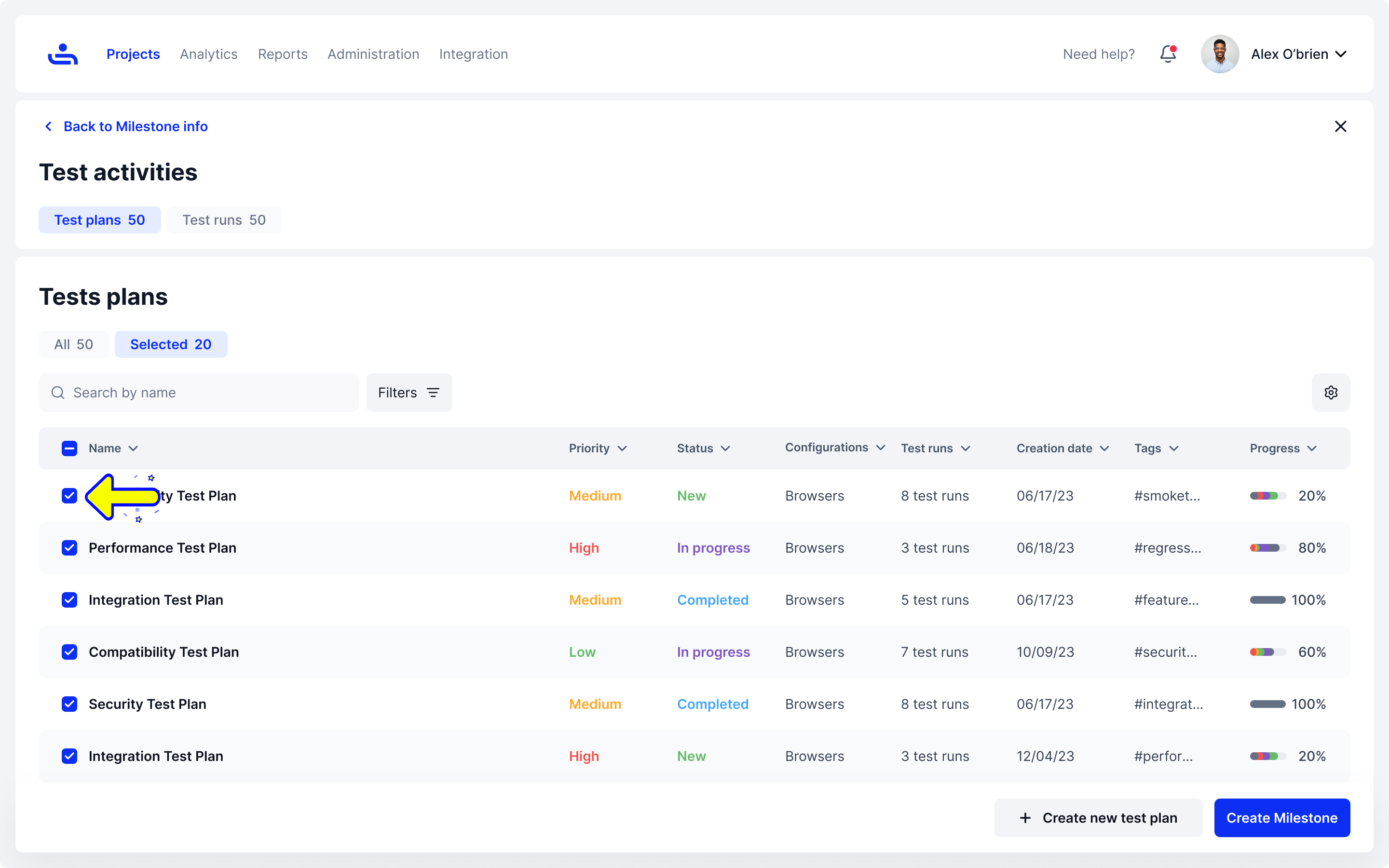
Choose which Test Plans to remove
On the Test Plans page of the Milestone you are working on, tick the check box next to the Test Plans you wish to remove from the "Selected" tab, and they will be automatically removed.
Select the Test Plans to remove
You can also delete Milestones whenever you need to. Click "Next" to see how.