> For the complete documentation index, see [llms.txt](https://docs.testfiesta.com/llms.txt). Markdown versions of documentation pages are available by appending `.md` to page URLs; this page is available as [Markdown](https://docs.testfiesta.com/administration-tab/users/user-details-and-access.md).
# User Details And Access
### Need to update a user’s projects? Follow these steps:
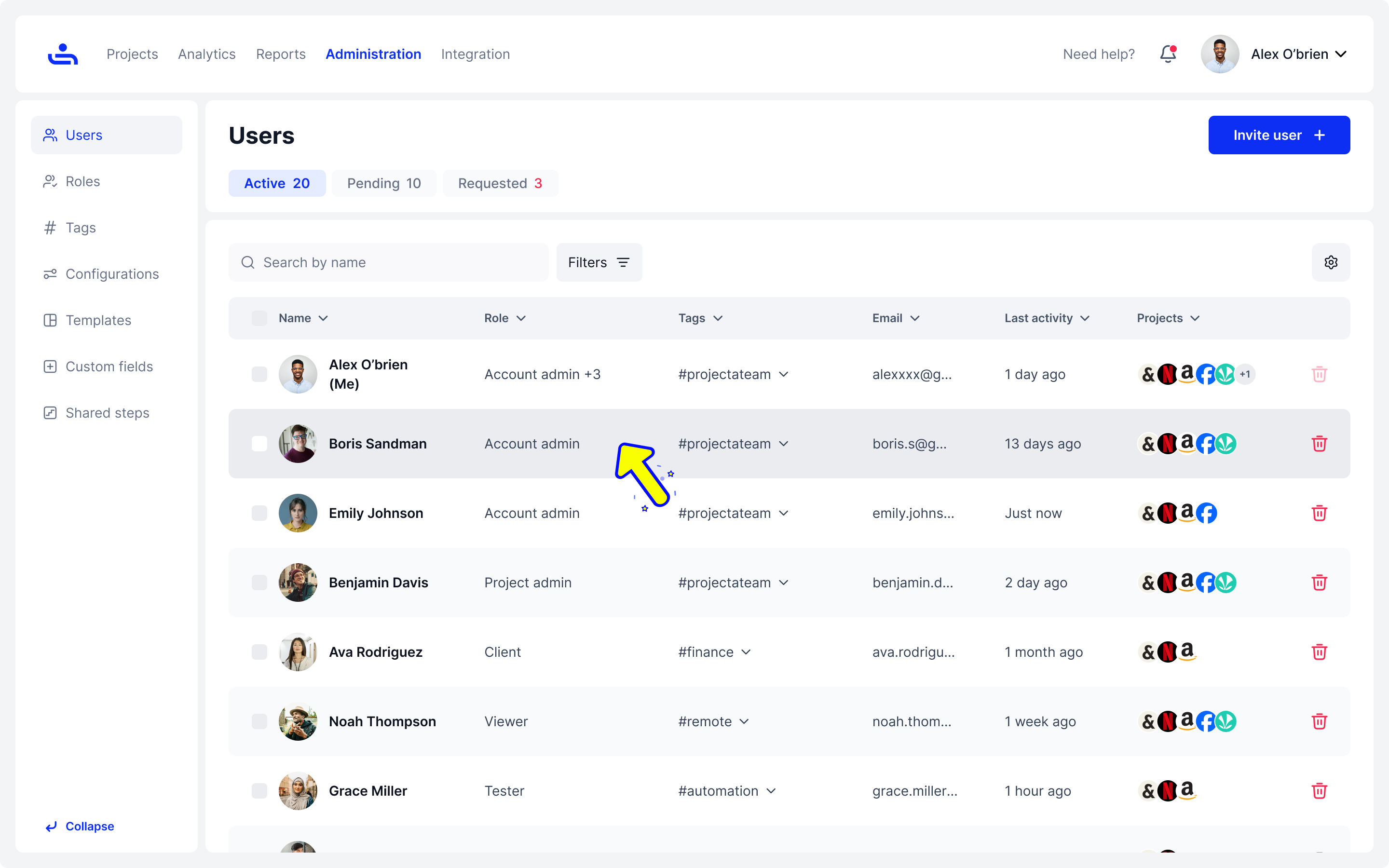
Step 1: Select the user from the list.
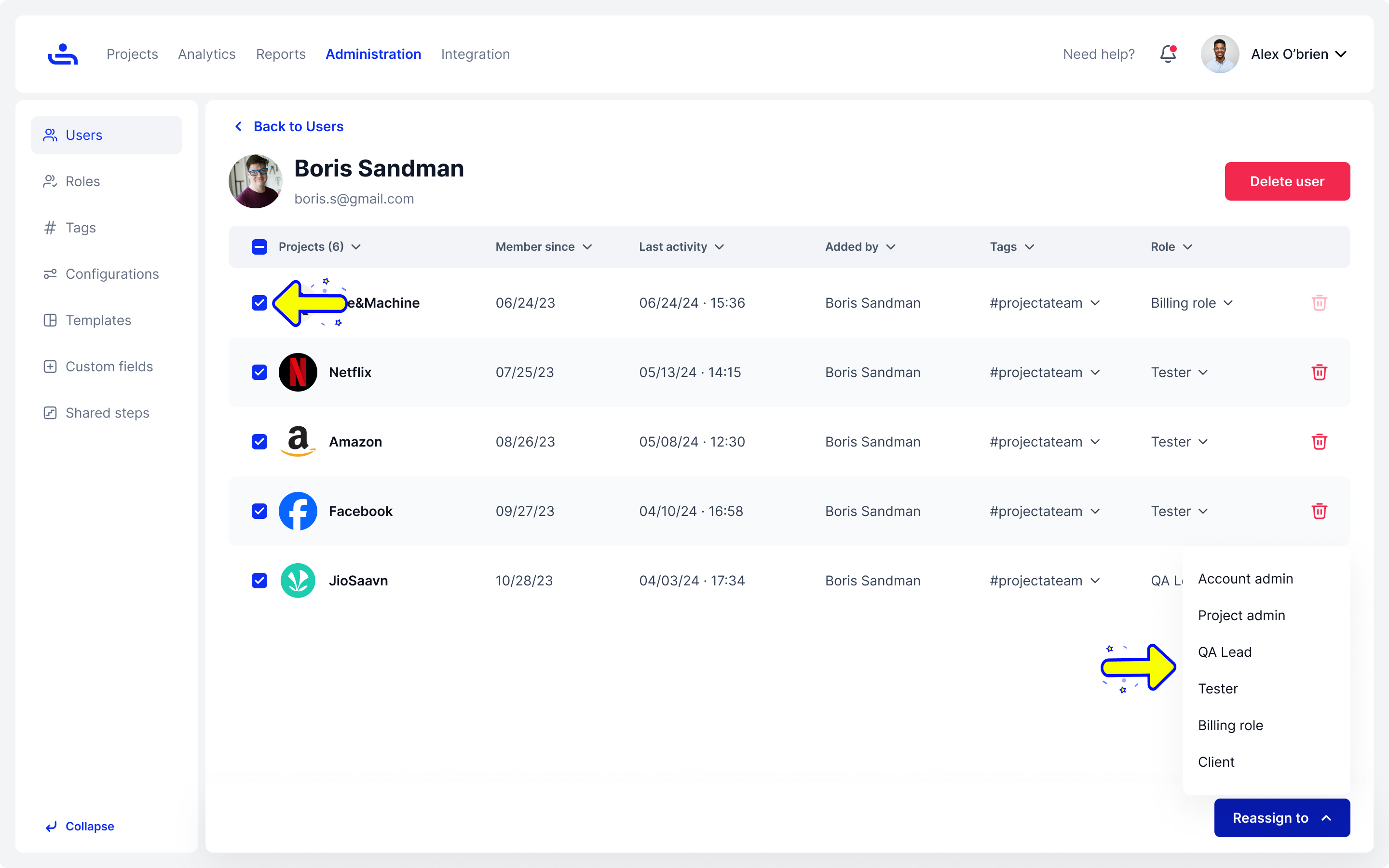
Step 2: Select the projects and reassign the user’s role.
Finding a specific User or group within your Organization is simple using TestFiesta's search and filter options. Click "Next" to learn how.